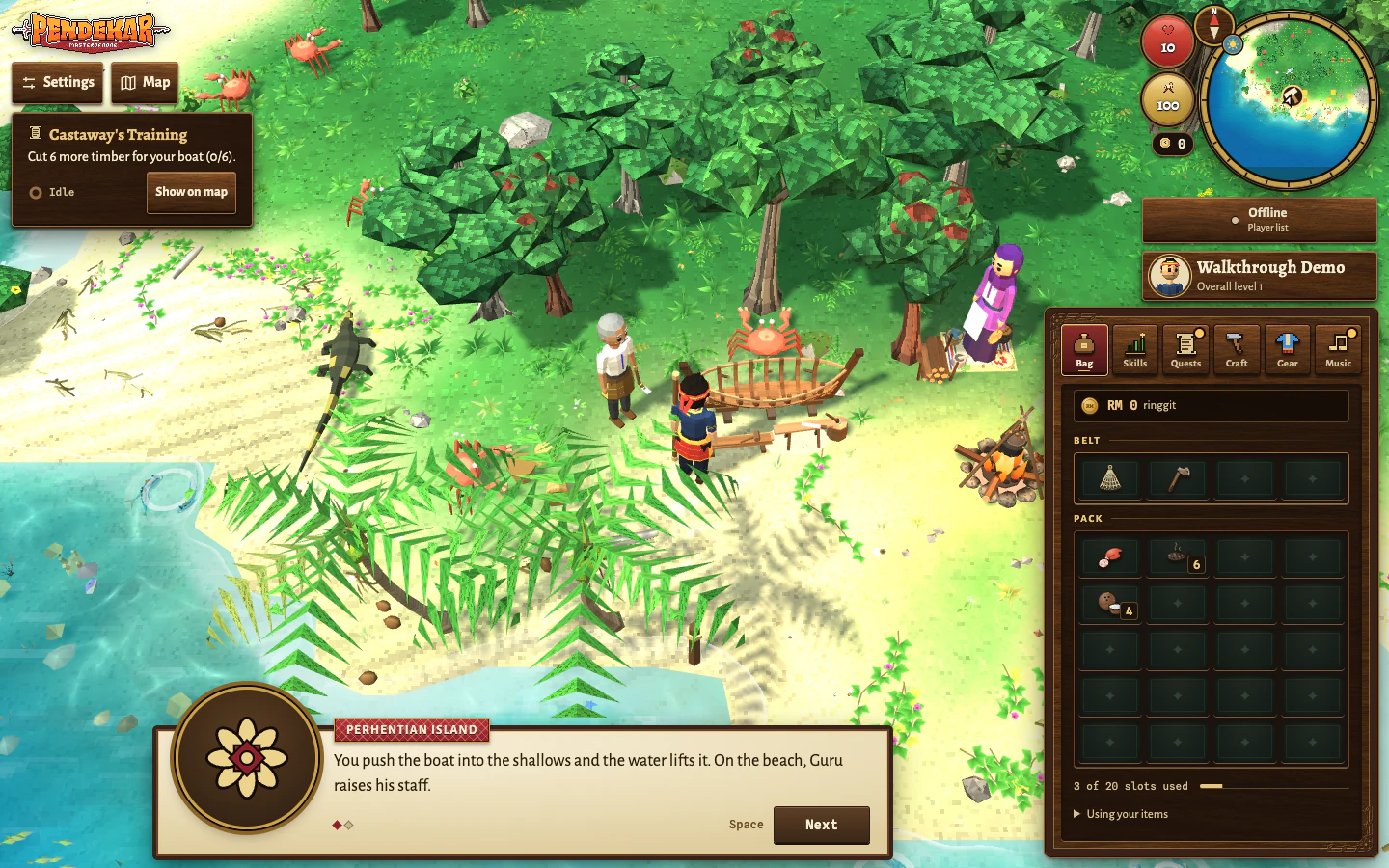
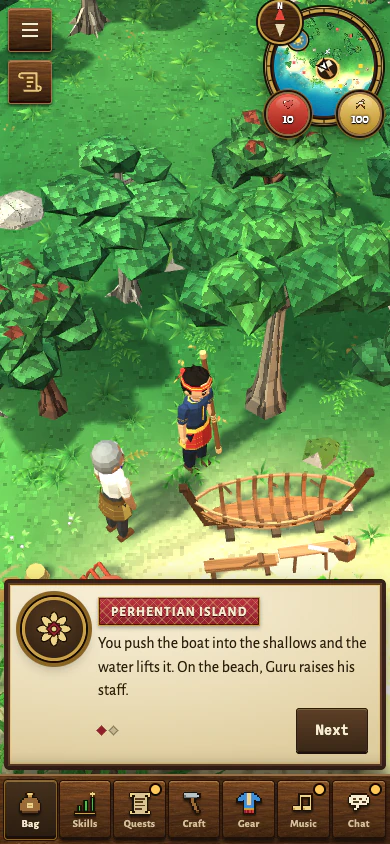
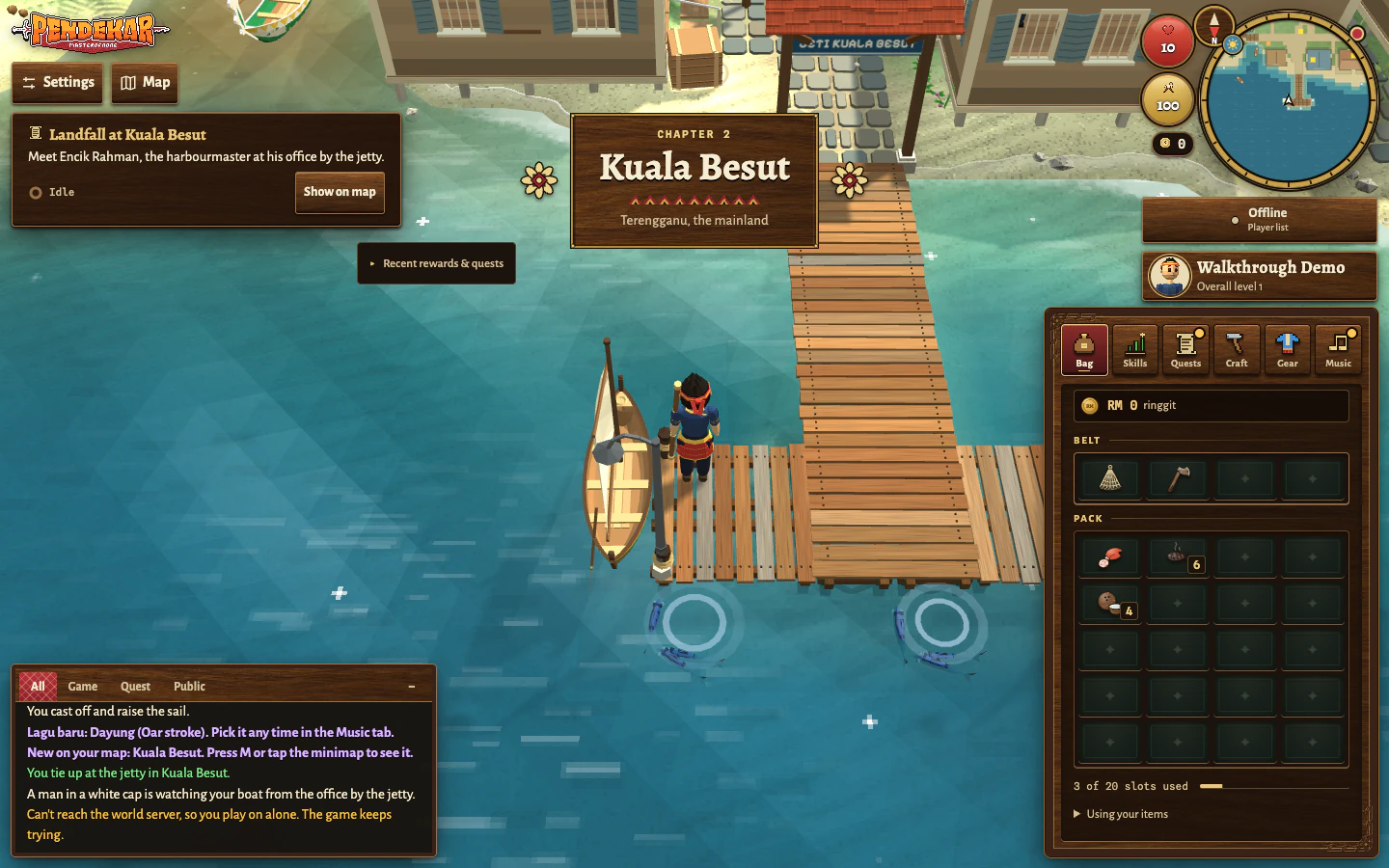
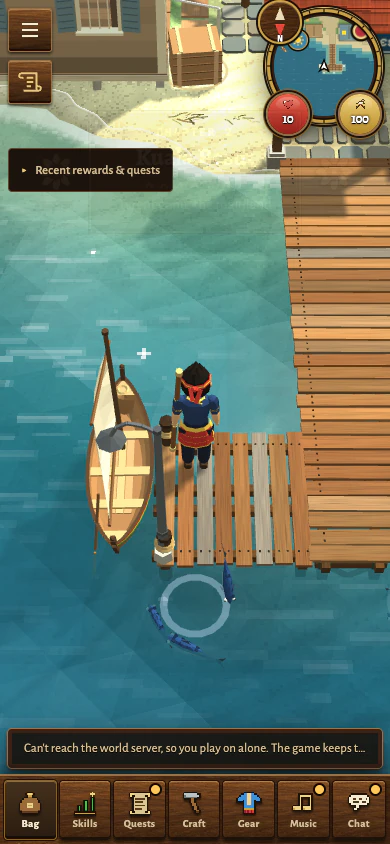
Meet Guru, feed yourself, practise with a staff and leave the island in a boat you made.
These 14 steps follow the main island quest in order. The screenshots come from the real game in desktop and phone layouts. Use the next step when you need it, and explore at your own pace. Select a screenshot to view it full size.
Fishing, cooking and combat have variable results. Your catches, burns and time on the island may differ from the screenshots; there is no required finishing time. The optional islander lessons can be explored later.
Walk or stop: click or tap clear ground. One click on a fishing spot, tree, post or creature starts repeated work or attacks.
Look around: drag to turn the camera; scroll or pinch to zoom. Close a panel that covers the thing you want to select.
Get help: the island guide’s Help button explains the current step. Settings → Controls & help keeps the Island handbook available.
If arrows or the tracker are hidden on your phone: open Quests, find Castaway’s Training and choose Track quest. In Settings → Controls & help, choose Resume island guidance to restore hidden guidance. If an optional lesson has taken priority, use Resume Castaway’s Training to follow the main journey again.
Read progress: the tracker and Quests show what remains. Keep food, tools and boat materials when choosing how to make room in Bag.
Step 01 of 14 · Arriving
Wake on Perhentian
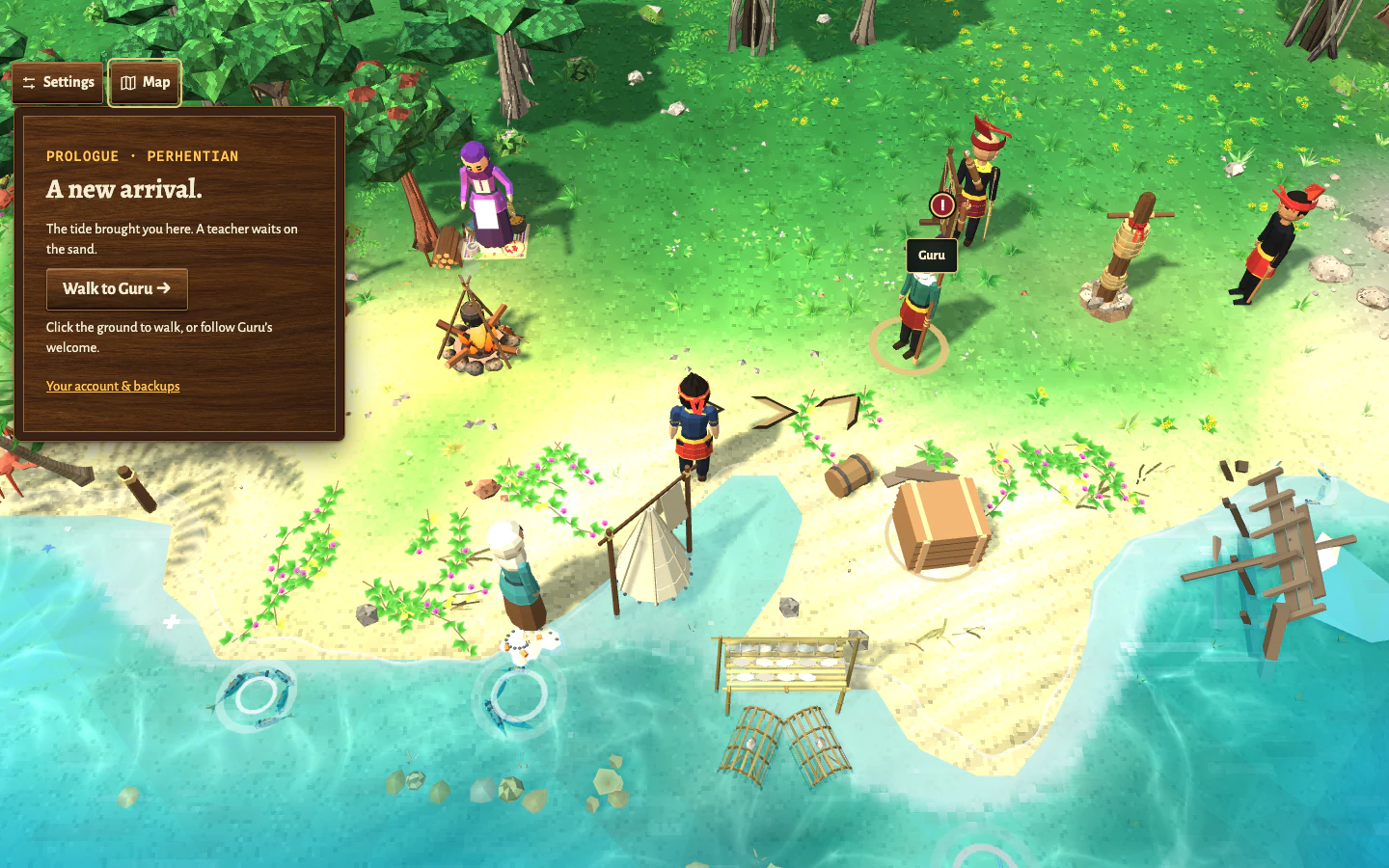
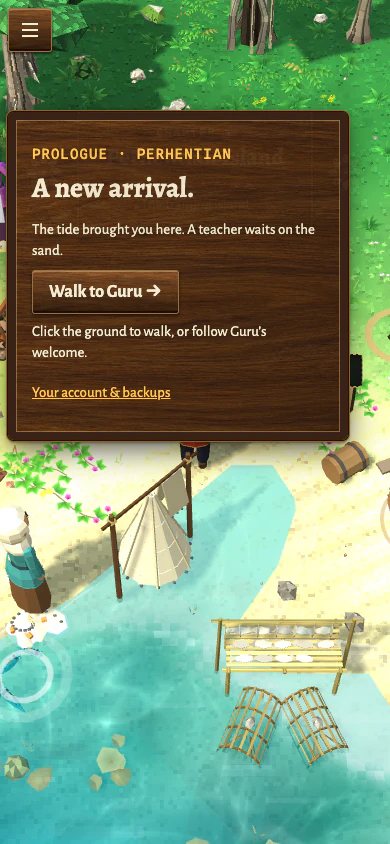
Start with Play, sign in and use the character doorway to begin a new adventure. You wake on Perhentian Island with Guru nearby. Choose Walk to Guru → in the arrival prompt to approach him.
What should happen: The arrival leads you to Guru and opens the character form. Your name and appearance are chosen here, on the island, in the next step.
If you get stuck: If an update or welcome panel is covering the island, read it and use its own Close or Later button. On a phone, follow any screen-orientation prompt before continuing.
DesktopDesktop · Follow the arrows or choose Walk to Guru to introduce yourself.Phone layoutPhone layout · Choose Walk to Guru to introduce yourself.
Step 02 of 14 · Food comes first
Speak to Guru
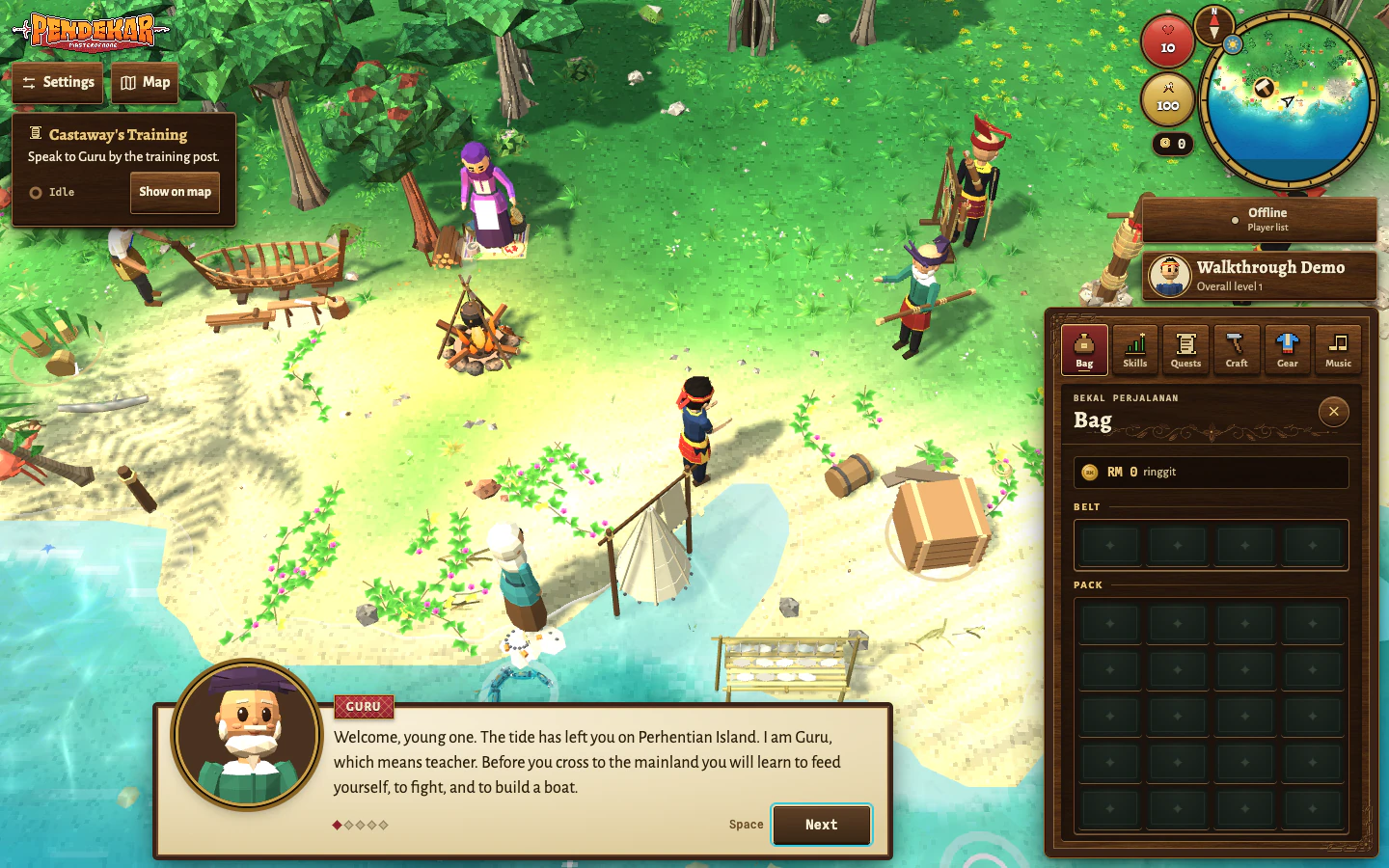
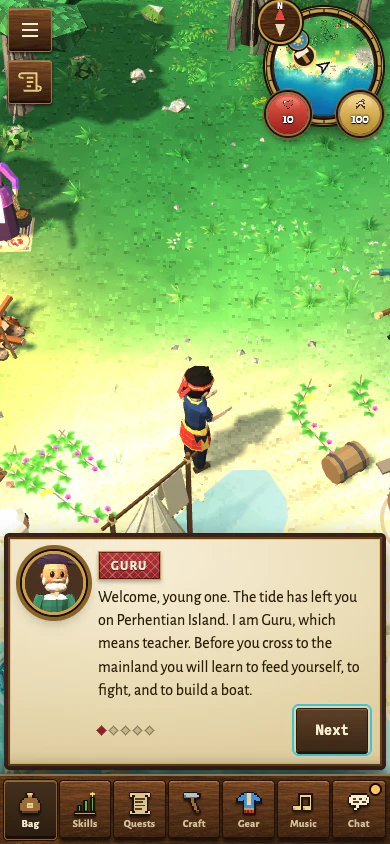
Complete the name and appearance form and create your character. Then finish Guru’s welcome conversation: read every line, use Next, then Close on the last line. He gives you a toya, a wooden staff, and asks you to net and cook two mackerel.
What should happen: Castaway’s Training now asks you to get a net from Mak Long Esah. With island guidance on, arrows show the walking route to your next objective.
If you get stuck: The conversation must reach its end for the lesson to advance. If you have hidden the arrows, open Settings → Controls & help → Resume island guidance. The quest tracker also works with guidance hidden.
DesktopDesktop · Read Guru’s welcome and choose Next to hear the whole lesson.Phone layoutPhone layout · Read Guru’s welcome and choose Next to hear the whole lesson.
Step 03 of 14 · Food comes first
Borrow a net from Mak Long Esah
Follow the shore towards Mak Long Esah, near the reef. Click or tap her and finish the conversation. She lends you an old cast net, called a jala, and offers her fishing lesson.
What should happen: The net appears on your tool belt, or in Bag if the belt is full. A gathering tool works while you carry it; it does not need to replace your staff.
If you get stuck: If there is no room for the gift, open Bag, choose what to keep and talk to her again. If you lose your only usable net, return to her for a replacement. Her longer lesson can be completed later.
DesktopDesktop · Mak Long Esah’s free net is on the belt; the arrows now lead to the shallows.Phone layoutPhone layout · After Mak Long Esah gives the net, follow the arrows to the mackerel shallows.
Step 04 of 14 · Food comes first
Net mackerel in the shallows
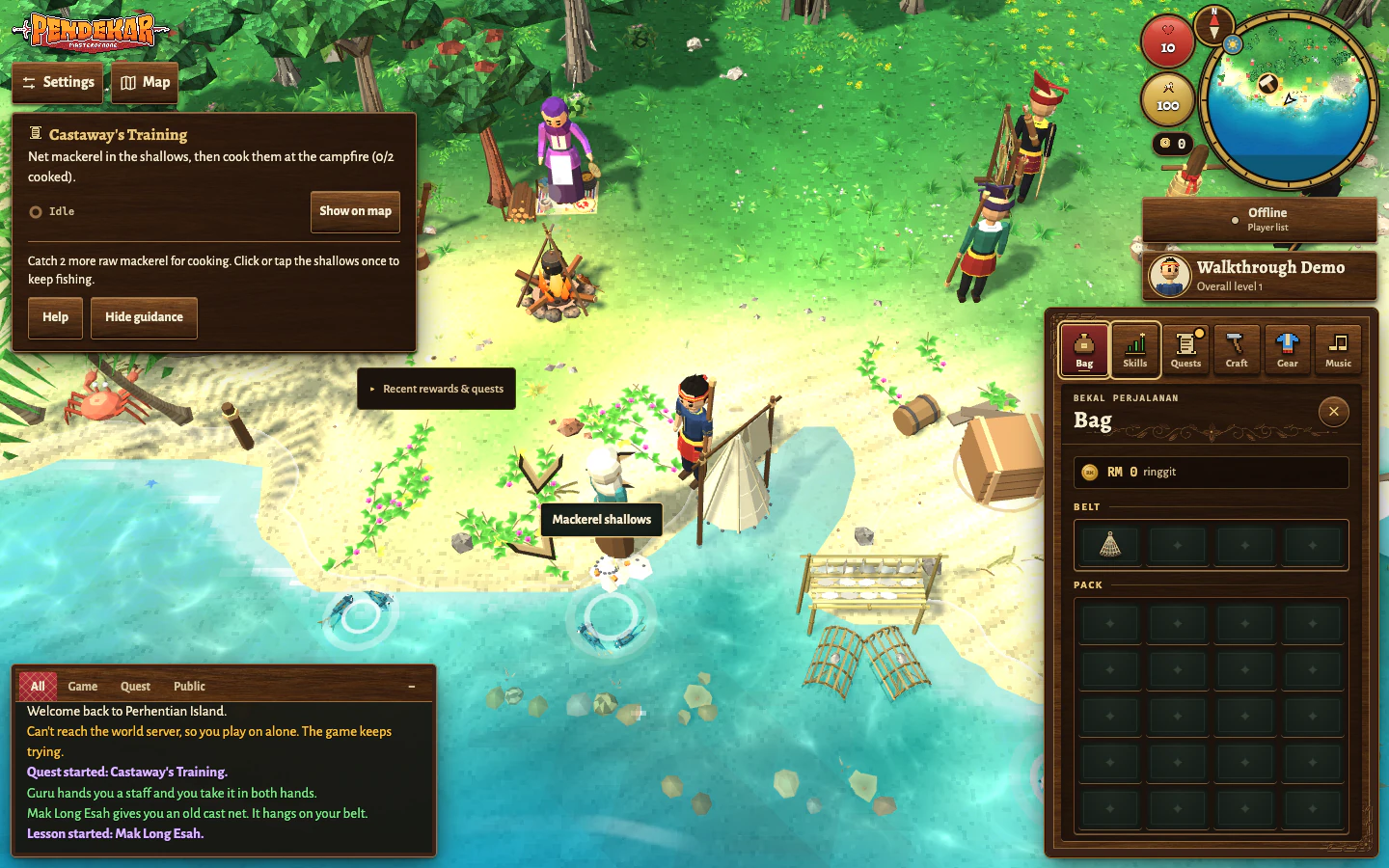
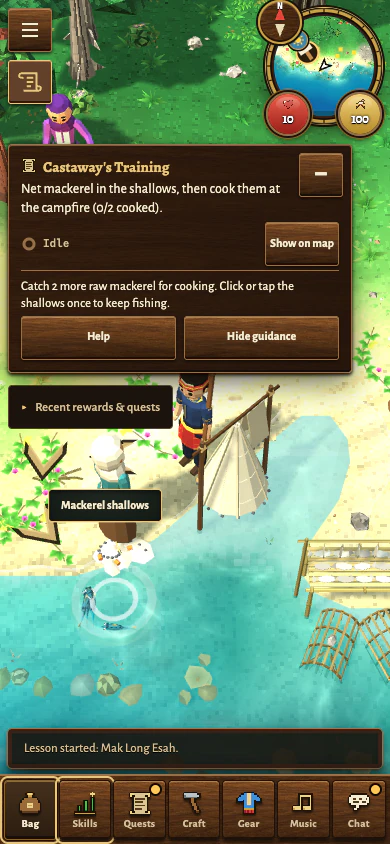
Click or tap the mackerel fishing spot in the reef shallows. One selection starts repeated fishing. Watch Bag for raw mackerel; clicking clear ground stops the action and walks you away.
What should happen: Successful catches add raw mackerel to Bag and give Fishing XP. Keep a few fish for cooking: early cooking attempts can burn, so two raw fish may not be enough.
If you get stuck: Choose the mackerel spot, rather than a squid or other fishing spot that needs different gear. If fishing stops because Bag is full, make room deliberately; keep your net and the food you still need.
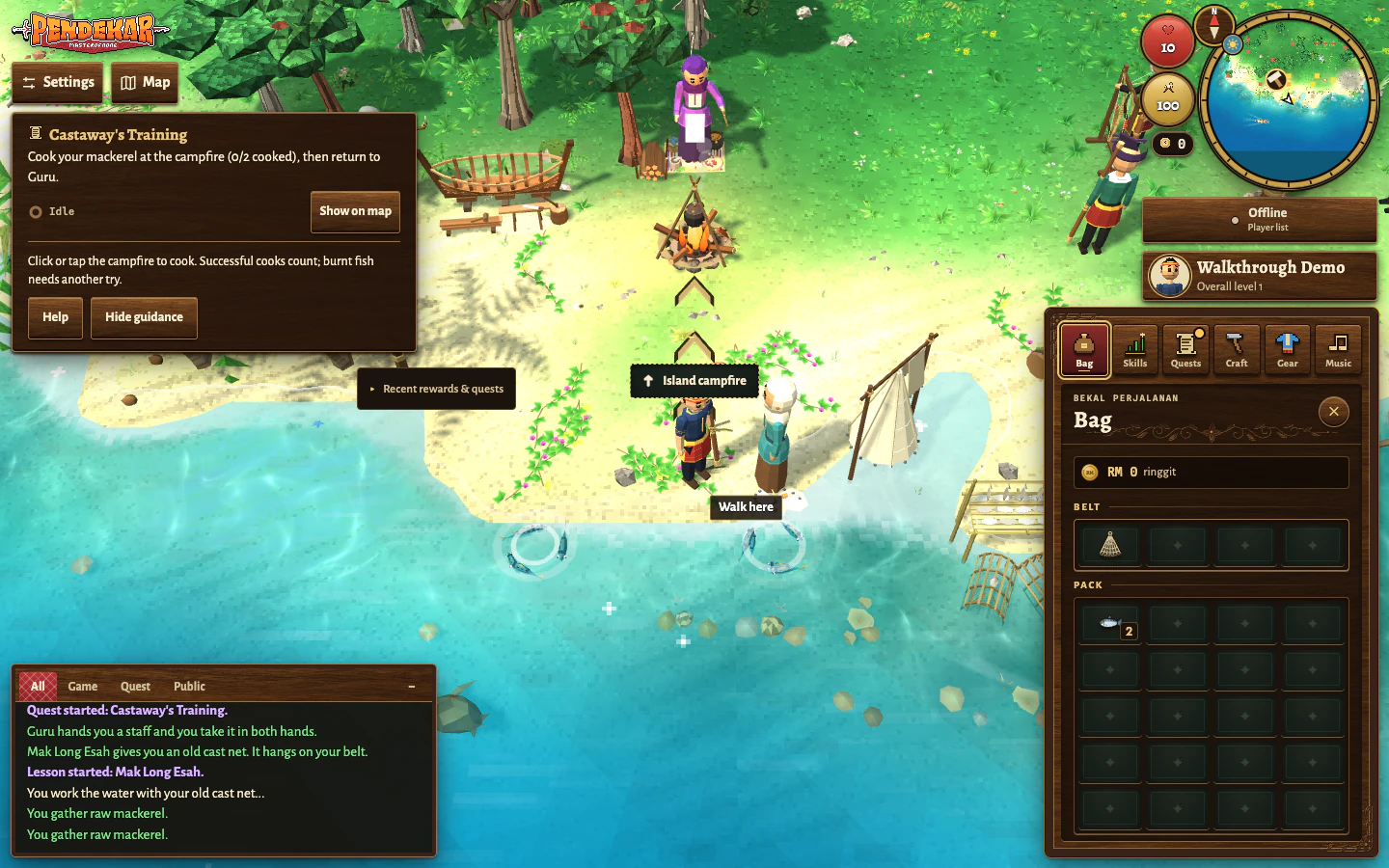
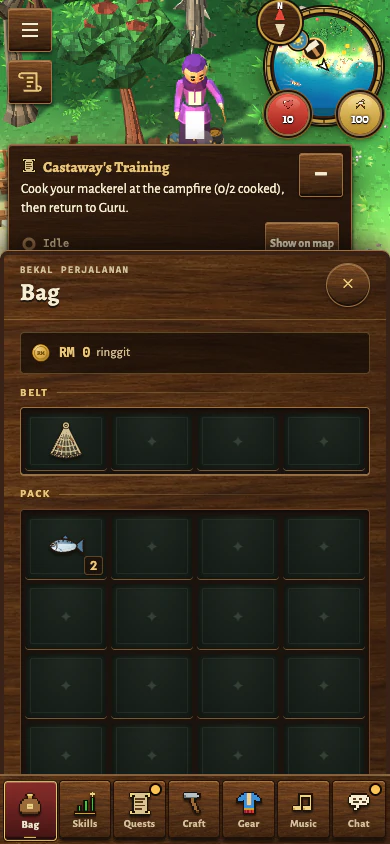
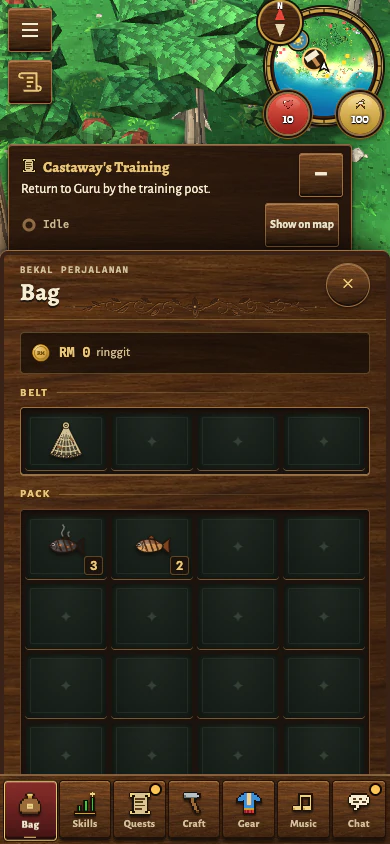
DesktopDesktop · Keep your catches in Bag; the arrows now lead from the shallows to the campfire.Phone layoutPhone layout · Two raw mackerel are in Bag. Close Bag to follow the guide to the campfire.
Step 05 of 14 · Food comes first
Cook two fish, then report to Guru
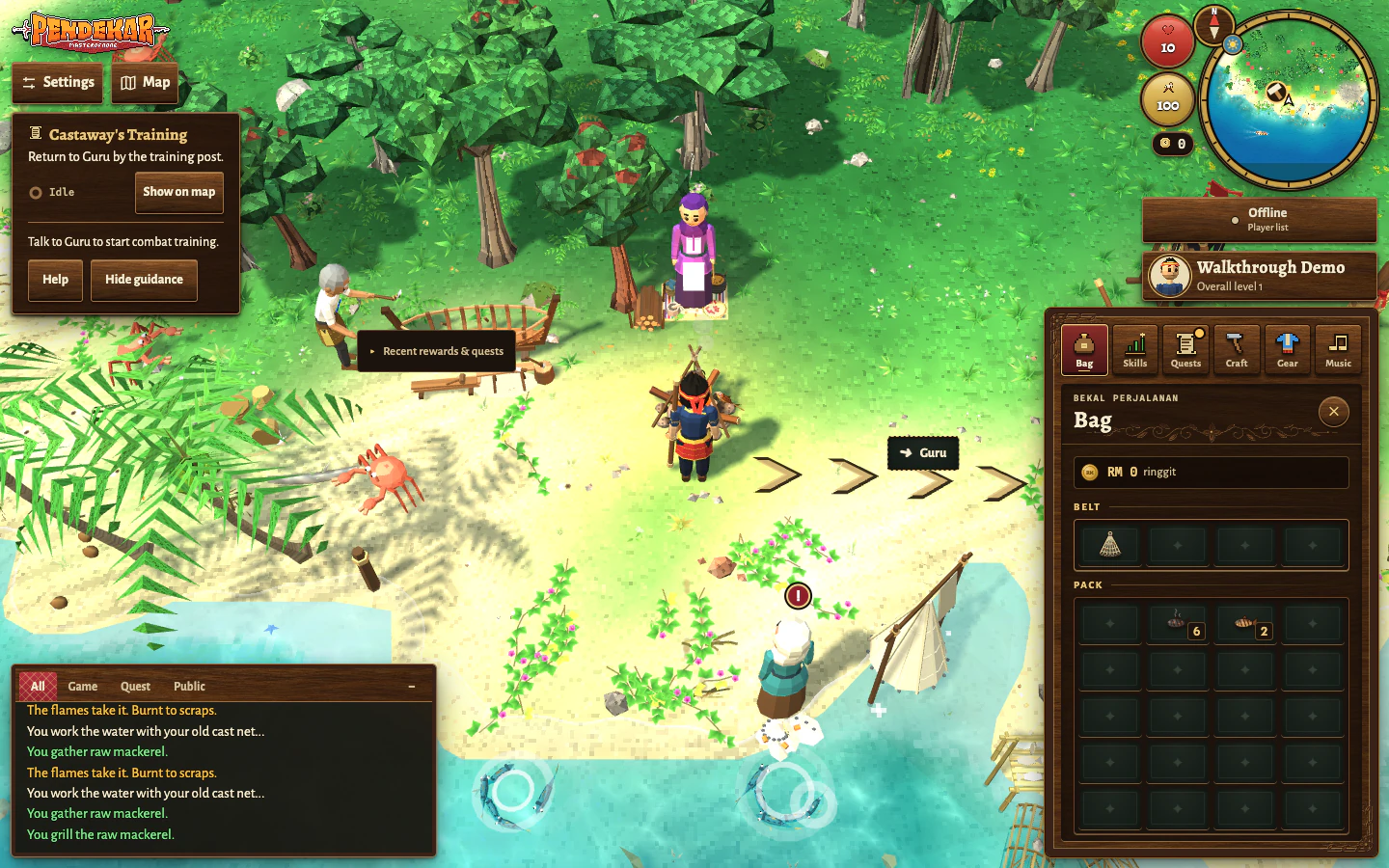
With raw fish in Bag, click or tap the campfire. Your character cooks repeatedly while raw fish remain. Once the tracker records two successful cooks, return to Guru and finish his conversation to begin the combat task.
What should happen: Cooked mackerel appears in Bag, and Castaway’s Training moves on to the post and crabs. Burnt scraps do not count towards the two successful cooks.
If you get stuck: Burns are a normal early result. Catch more mackerel and try again if the counter is still short. Keep cooked food for the crabs: when hurt, click ground to retreat, open Bag and select cooked food to eat.
DesktopDesktop · Two successful cooks satisfy Guru; follow the arrows back before combat training.Phone layoutPhone layout · Keep the cooked fish for healing; close Bag and return to Guru.
Step 06 of 14 · Practising combat
Strike the training post ten times
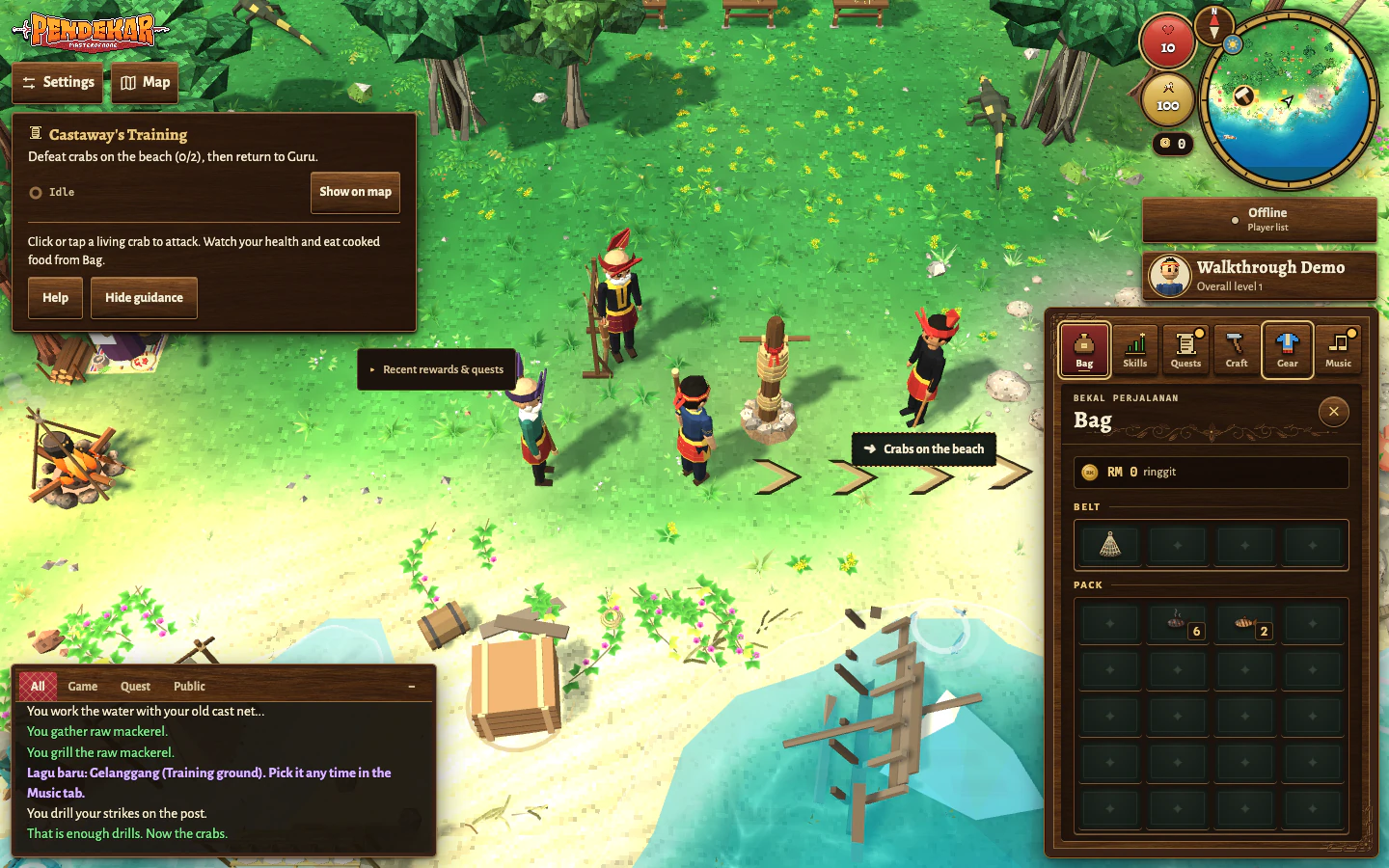
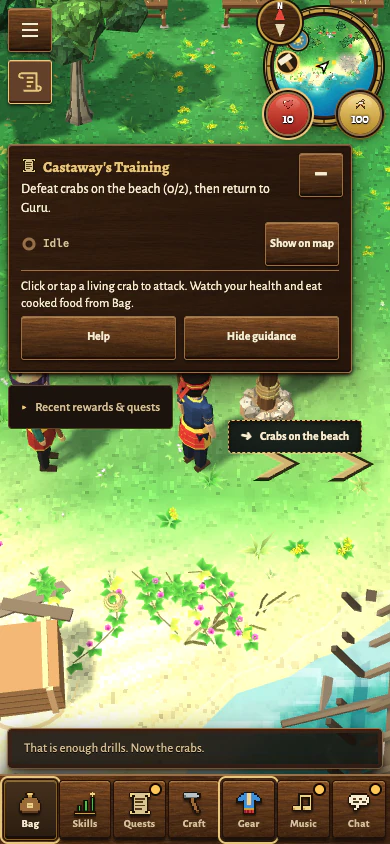
Find the training post beside Abang Zul and click or tap it once. Your character keeps drilling with the staff. After ten strikes, the tracker switches to the crab task; click clear ground to stop.
What should happen: The post part of Castaway’s Training is complete. Your next required practice is to defeat two crabs on the beach.
If you get stuck: Select the post itself rather than Abang Zul if you want to continue the main task. His Defence lesson is optional. In Equipment you can choose Attack, Strength or Defence training; opening the panel alone gives no XP.
DesktopDesktop · After ten post strikes, the tracker switches to the crab task.Phone layoutPhone layout · After ten post strikes, the tracker switches to the crab task.
Step 07 of 14 · Practising combat
Defeat two crabs
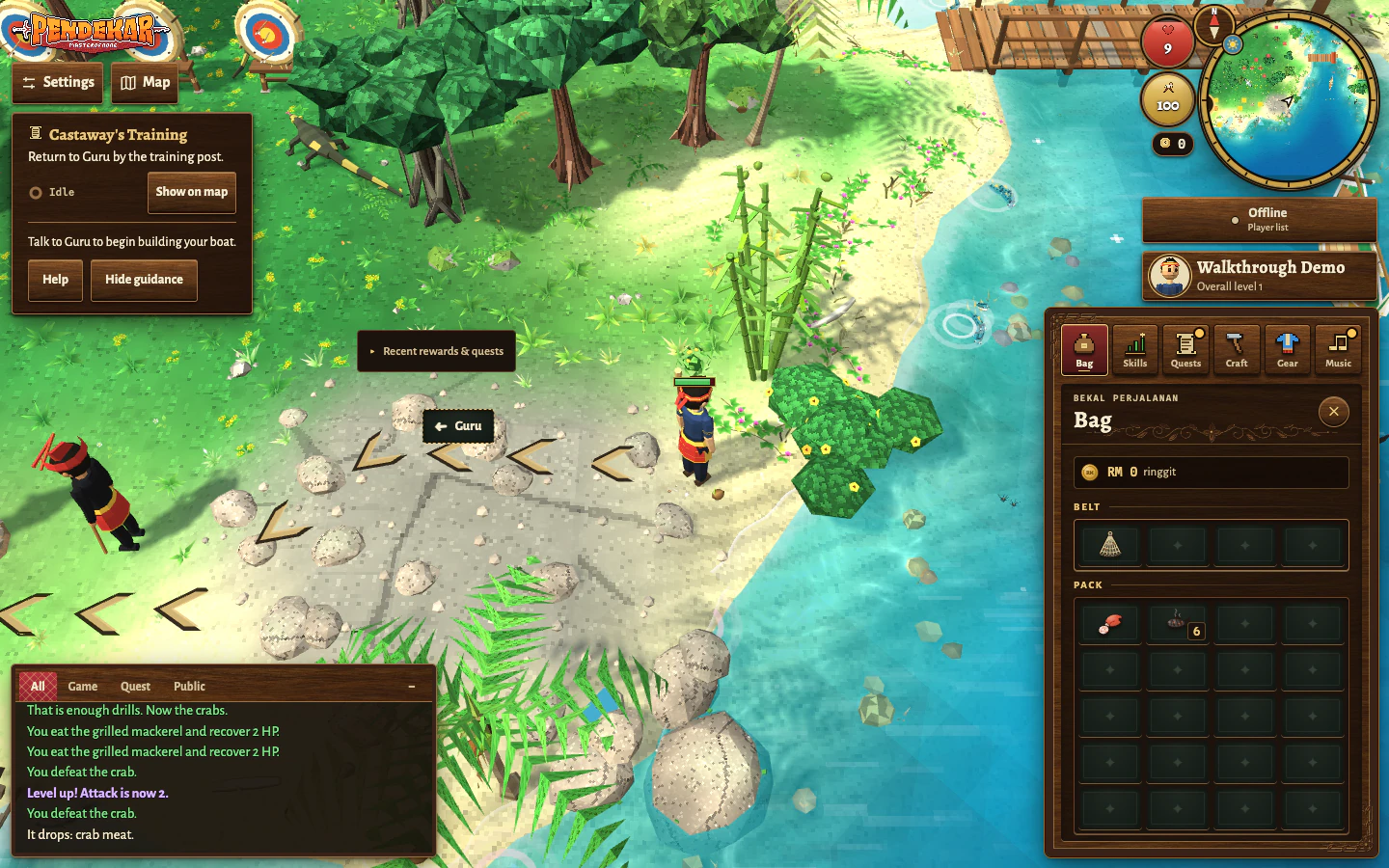
Click or tap a crab on the beach to attack it. Fight one at a time and watch your health. Defeat two crabs for Castaway’s Training; a single selection keeps attacking until the fight ends or you stop it.
What should happen: Once you have defeated two crabs and finished the post practice, the tracker sends you back to Guru.
If you get stuck: If foliage covers a crab, drag across the world to rotate the camera or select another living crab. Click clear ground to retreat if your health is low, then eat cooked food from Bag before trying again. If you are defeated, you respawn and can continue from your recorded quest progress. More fish and cooking are always useful preparation.
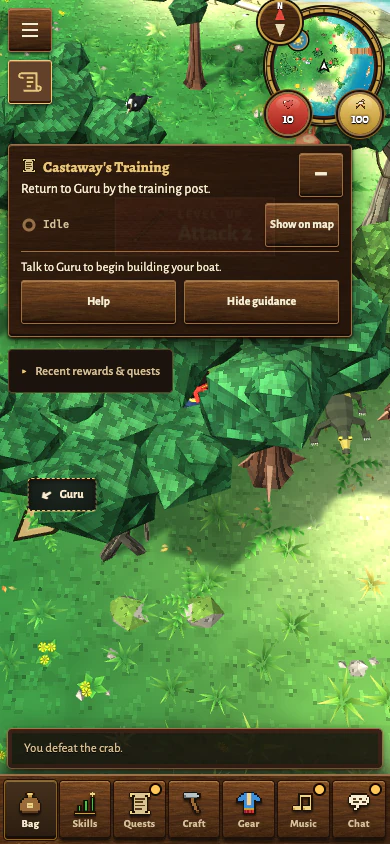
DesktopDesktop · Two crab defeats finish combat practice. Follow the arrows back to Guru.Phone layoutPhone layout · Two crab defeats finish combat practice. Follow the guide back to Guru.
Step 08 of 14 · Preparing to leave
Return to Guru for the boat task
Go back to Guru after the ten post strikes and two crabs. Finish every line of his conversation. He explains how to turn timber and coconut fibre into a small boat, or perahu.
What should happen: Castaway’s Training now asks you to build a boat. You need 6 timber, 3 rope and Woodwork level 3 at Pak Mat’s boatyard.
If you get stuck: If Guru still talks about practice, check which counter is incomplete. If an optional teacher lesson is being tracked, choose Resume Castaway’s Training in island guidance to return to the main route.
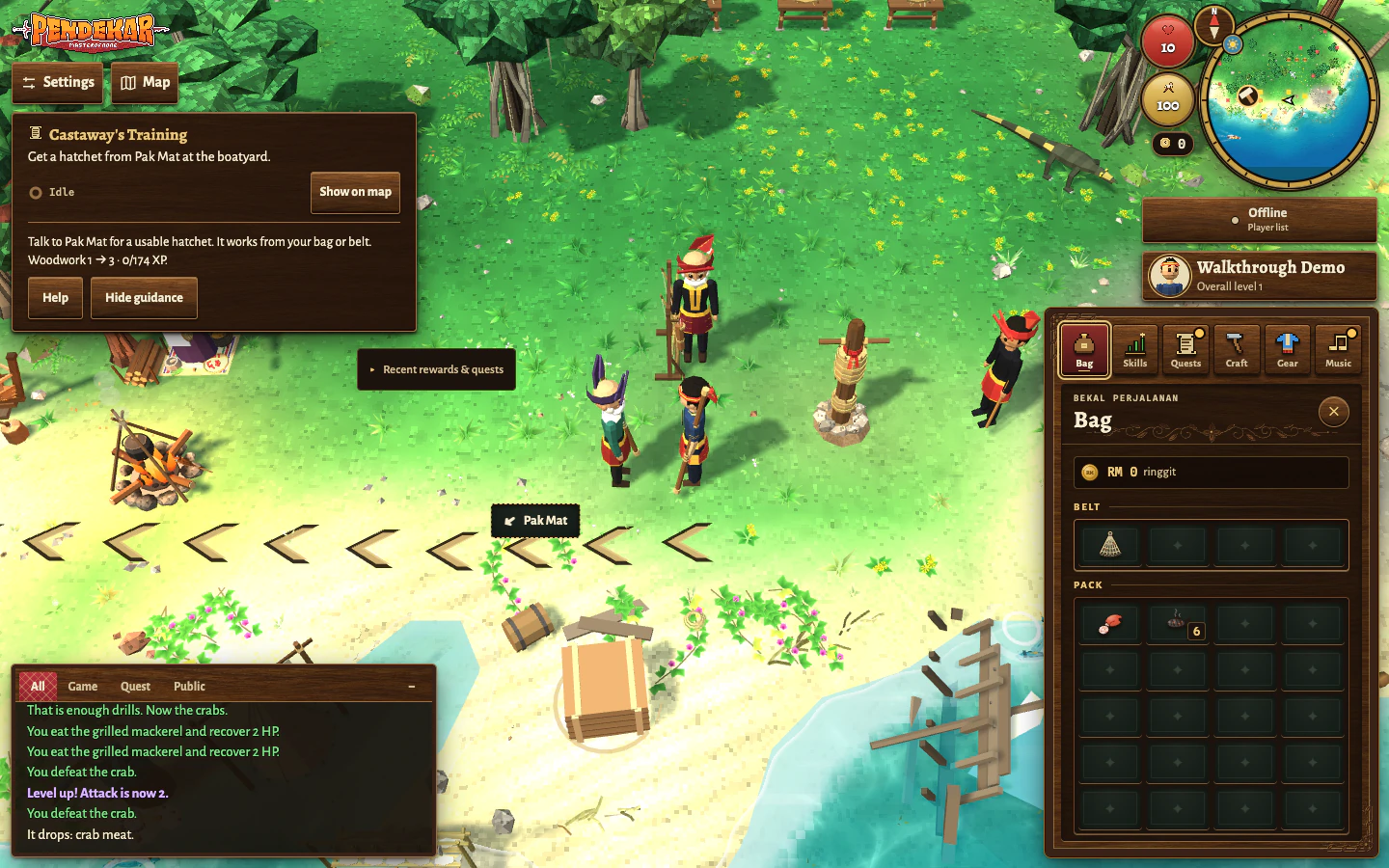
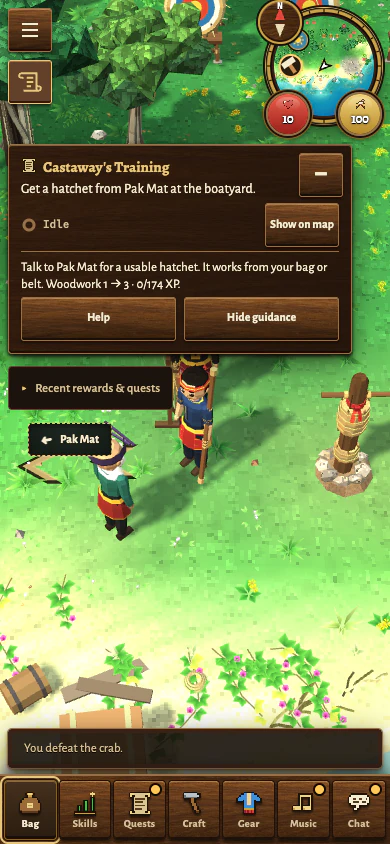
DesktopDesktop · After Guru’s boat lesson, the arrows lead to Pak Mat for a hatchet.Phone layoutPhone layout · After Guru’s boat lesson, follow the guide to Pak Mat for a hatchet.
Step 09 of 14 · Preparing to leave
Get a hatchet from Pak Mat
Find Pak Mat at the boatyard and finish his conversation. He lends you an old hatchet and offers a Woodwork lesson. Keep the hatchet on your belt or in Bag so you can cut timber.
What should happen: You have a usable starter hatchet. Island guidance can now lead you to ordinary jungle trees for timber.
If you get stuck: You do not need to buy a hatchet to leave the island. If yours goes missing and you have no usable replacement, talk to Pak Mat again. His optional cutting lesson can help your Woodwork, but is separate from building the boat.
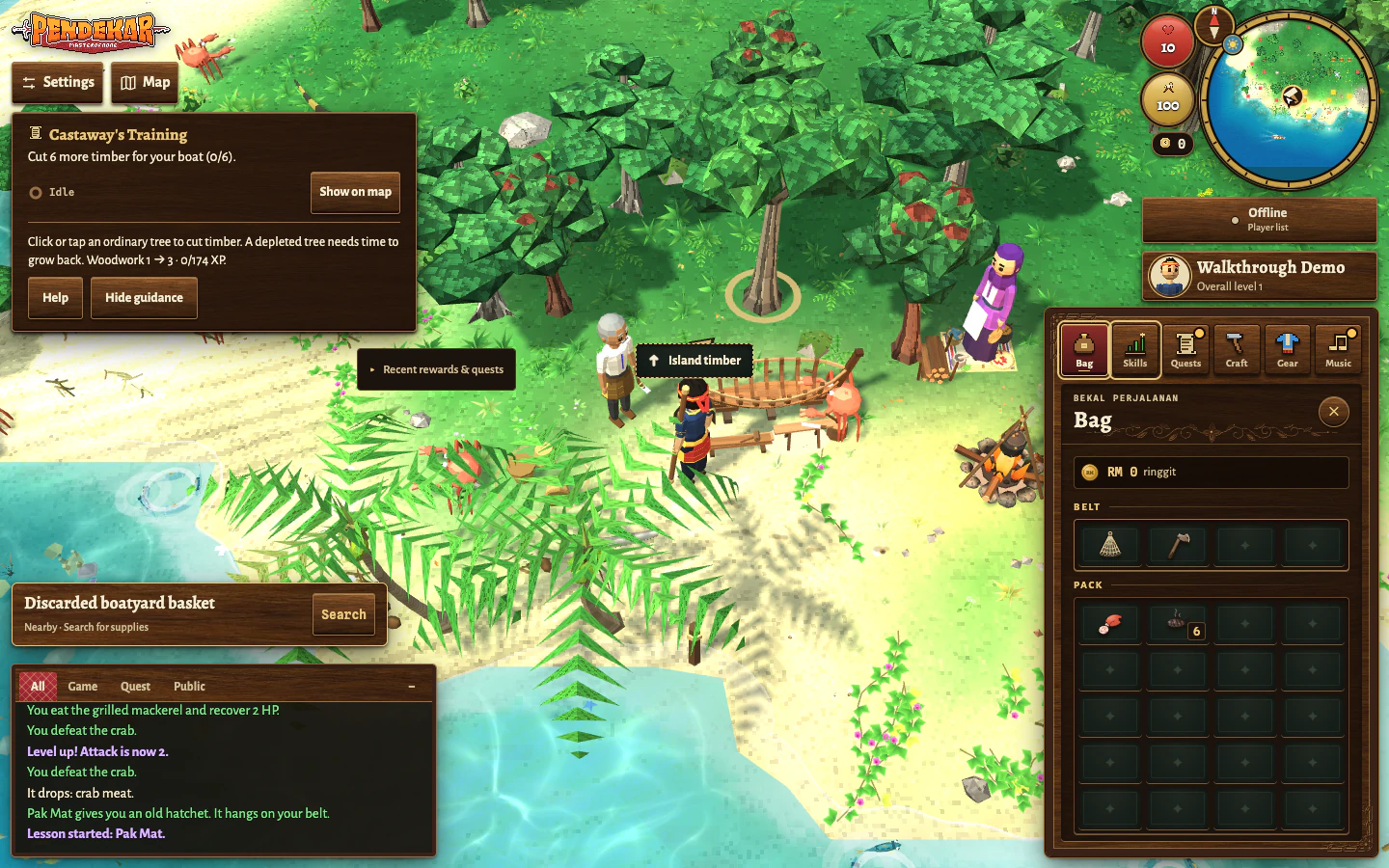
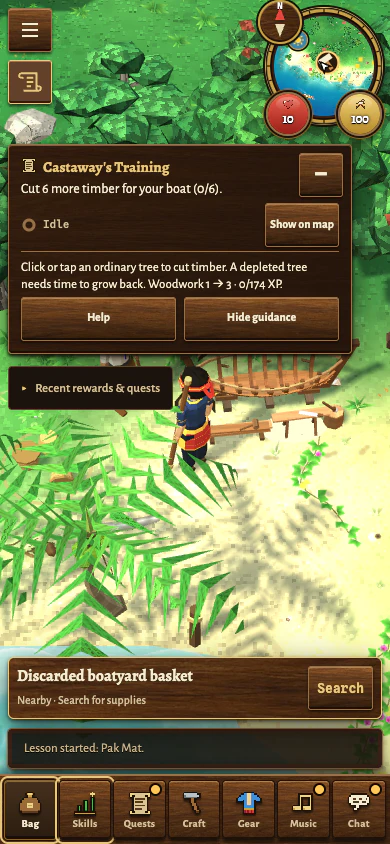
DesktopDesktop · The starter hatchet is on the belt; the guide marks a tree for timber.Phone layoutPhone layout · Pak Mat has supplied the hatchet. Follow the timber objective or use Show on map.
Step 10 of 14 · Making the boat
Gather timber and coconut fibre
Click or tap an ordinary jungle tree to cut timber with your hatchet. Then select coconut palms to gather their produce. For the boat and its rope, keep at least 6 timber and 6 coconut fibre. Check the quantities in Bag.
What should happen: You have the timber for the hull and the fibre for three ropes. Gathering also gives Woodwork XP towards the boat’s level requirement.
If you get stuck: A palm may give a coconut instead of fibre; both are normal results, so keep gathering if you are short. A depleted tree or palm needs time to recover. Try another reachable one, and keep the boat materials when making room in Bag.
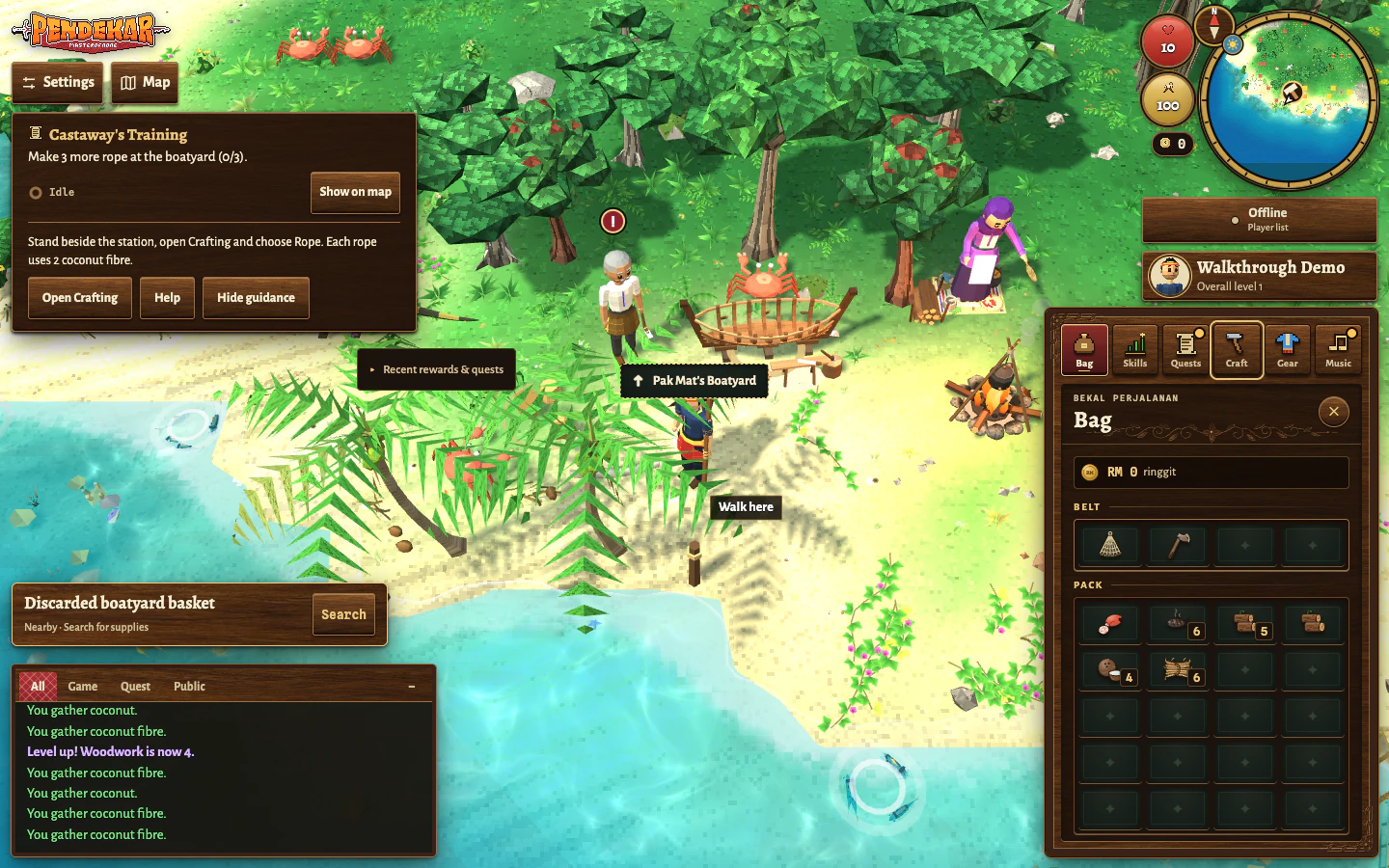
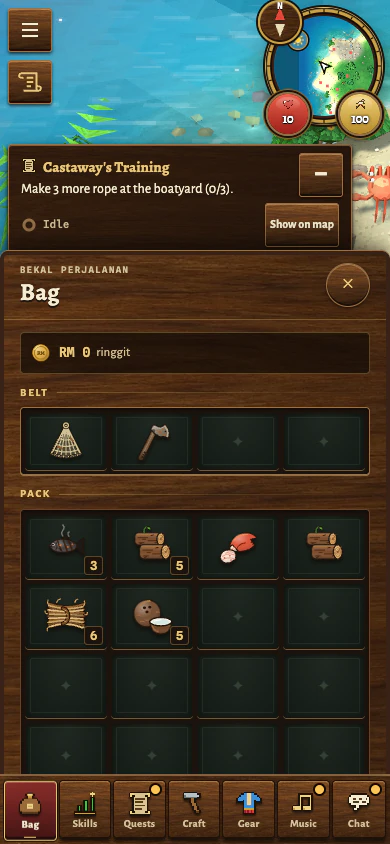
DesktopDesktop · Keep six timber and six coconut fibre ready for the hull and three ropes.Phone layoutPhone layout · Your boat materials are ready. Close Bag and go to the boatyard to make rope.
Step 11 of 14 · Making the boat
Twist the fibre into three ropes
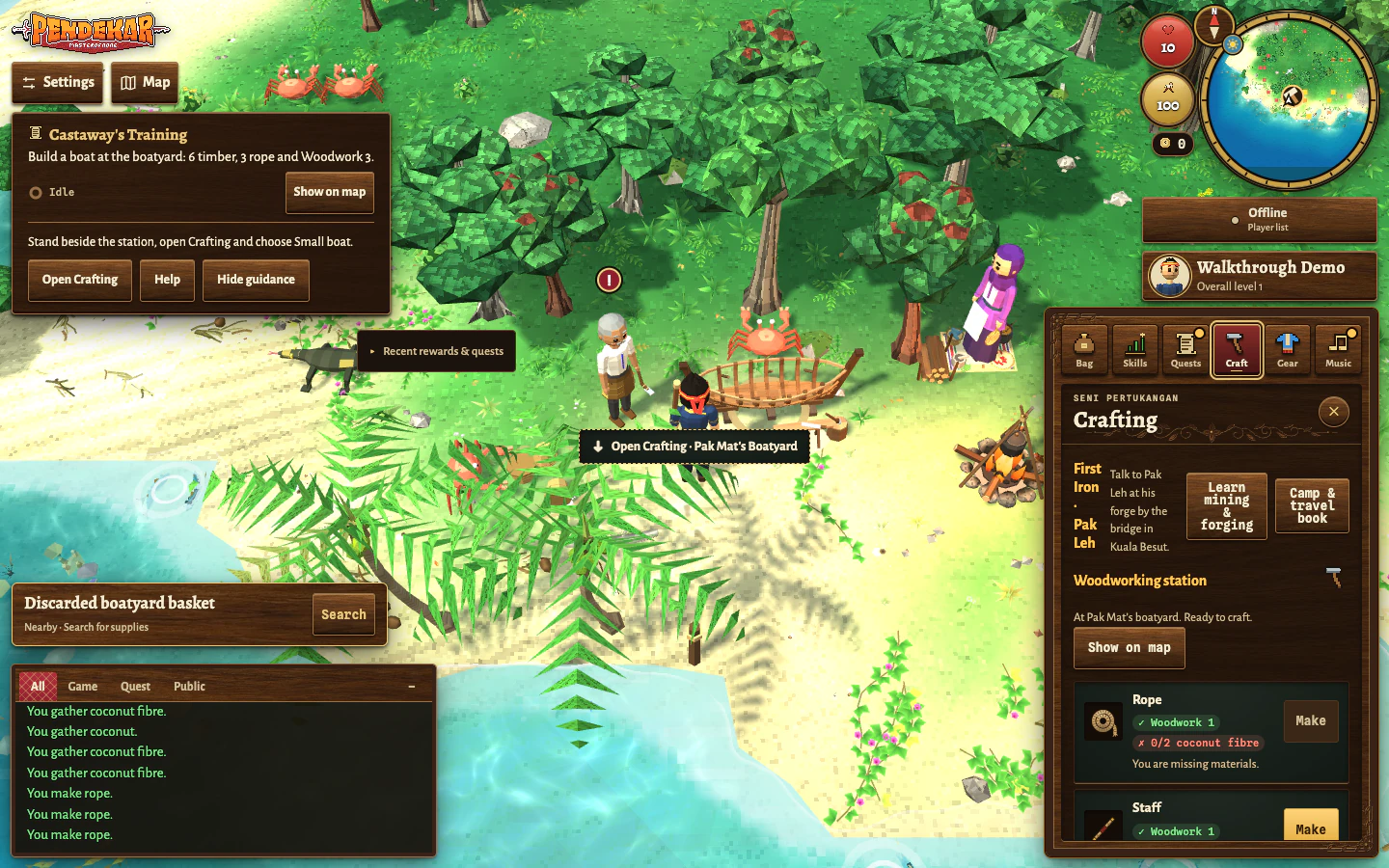
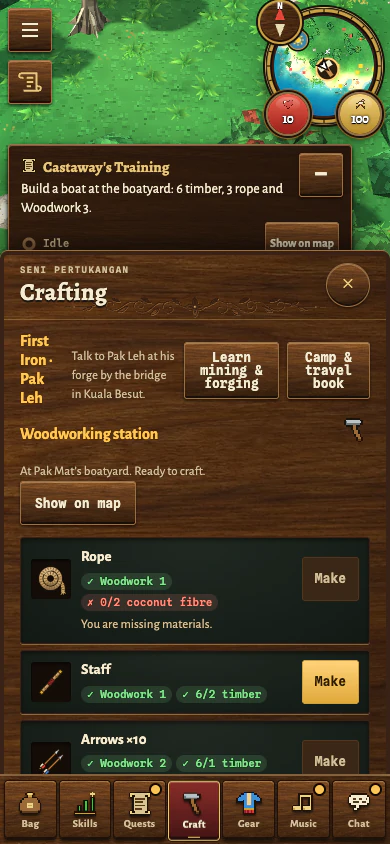
Stand beside the woodworking station at the boatyard and open Crafting. Choose Rope and use Make. Each rope uses two coconut fibre. Make enough to carry three ropes.
What should happen: Your six fibre become three rope, ready for the boat recipe. Crafting rope gives Woodwork XP.
If you get stuck: If the game asks you to stand beside the station, walk closer to the woodworking station itself, rather than only to Pak Mat. If the recipe is short of fibre, return to the palms. Keep the six timber for the hull.
DesktopDesktop · The three ropes are made. The fibre is used, and the guide now asks for the boat.Phone layoutPhone layout · Three ropes are made, so 0 fibre is expected. Choose Small boat next.
Step 12 of 14 · Making the boat
Build your small boat
At the same woodworking station, choose the Small boat recipe in Crafting. Check that you have Woodwork 3, 6 timber and 3 rope, then select Make.
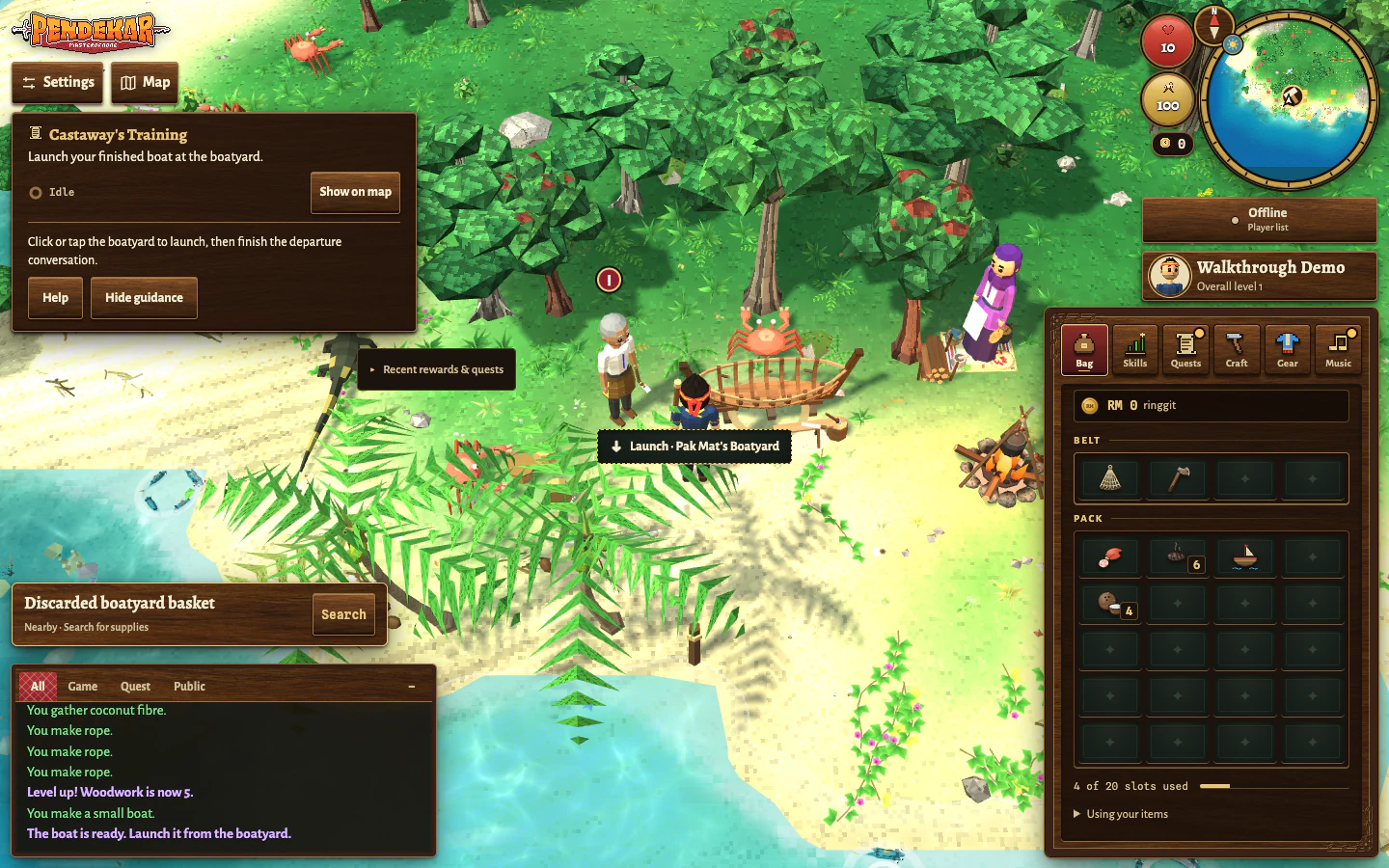
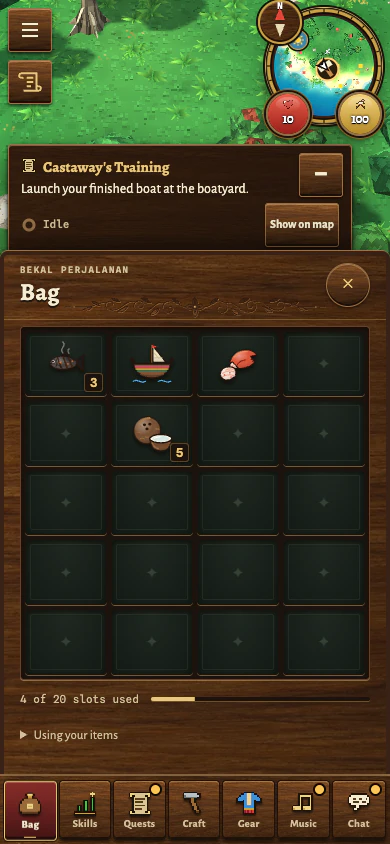
What should happen: The materials are used and the small boat is added to Bag. The quest now asks you to launch it at the boatyard.
If you get stuck: If your Woodwork is below 3, gather more timber or palm produce and craft useful supplies until the required level is reached. Read the recipe’s level and material messages; clicking Make without meeting them does not grant XP or build a boat.
DesktopDesktop · The small boat is in Bag. Close the panel and select the boatyard to launch.Phone layoutPhone layout · The finished boat is in Bag. Close Bag and select the boatyard to launch.
Step 13 of 14 · Crossing to the mainland
Launch from the boatyard
With the small boat in Bag and Guru’s boat task active, close Crafting and click or tap the woodworking station at the boatyard again. Read the launch conversation and finish it with the dialogue buttons.
What should happen: Castaway’s Training completes and the crossing to Kuala Besut begins. Your next quest is Landfall at Kuala Besut.
If you get stuck: Making a boat and launching it are separate actions. Selecting the boat item in Bag is not the launch. If the station opens Crafting again, check that the boat is in Bag and that you finished Guru’s boat conversation. The boat item is used when the launch conversation begins; finish that conversation before checking your next objective.
DesktopDesktop · Finish the launch conversation with Next, then Close, to start the crossing.Phone layoutPhone layout · Finish the launch conversation with Next, then Close, to start the crossing.
Step 14 of 14 · Crossing to the mainland
Arrive at Kuala Besut
Let the crossing finish. On the mainland, check that the tracker now names Landfall at Kuala Besut, then follow it to the harbourmaster by the jetty. Check the current save status before leaving the game.
What should happen: You have left Perhentian in your own boat. The mainland journey begins, and your boat remains available for a return trip to the island.
If you get stuck: Give an account save time to confirm before closing or reloading. After a confirmed save, you can reopen the same character through Play and continue. Settings → Account & save also offers a downloadable backup; an unconfirmed cloud save is not a confirmed backup.
DesktopDesktop · Kuala Besut is the next chapter. Check your quest and save status before you stop.Phone layoutPhone layout · At the Kuala Besut jetty, open Quests for Landfall and check your save status before stopping.
The island will still be there
Your main quest has taken you to the mainland, but it has not exhausted Perhentian. Tok Ali, Mak Long Esah, Pak Mat, Mak Jah and Abang Zul have optional lessons in archery, fishing, Woodwork, cooking and Defence. Come back when you want to practise.
For the next part of Landfall, individual recipes or a reminder of the controls, keep the game book nearby.